 myminifactory
base
Overview: https://www.myminifactory.com/object/3d-print-44831
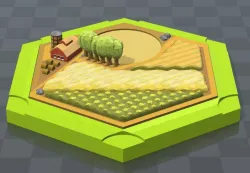
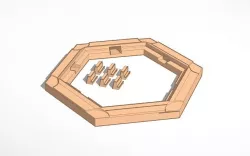
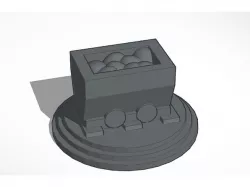
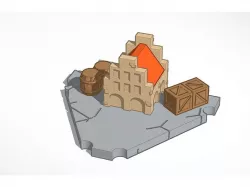
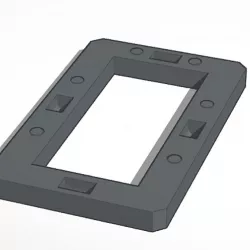
Print 37 of these bases. For having a good overview I recomand to print always the same color for the same ressources. For example, print all the ore bases in grey, the wheet bases in yellow and so on. For an easier overview I recomand as well to print the harbor ressources (https://www.myminifactory.com/object/3d-print-44818) with the same colors as their corresponding bases. After the magnets have been added, the bases are glued together with their correspoinding landscapes.
Open design in Tinkercad: https://www.tinkercad.com/things/jZZPQKN7Y18
Direct link to the original creator's page
More from zarrella
Similar Models

Model Specifications
Frequently Asked Questions
How do I download base?
Click the "View on myminifactory" button above to visit the original model page on myminifactory. You can download the STL file directly from the creator's page.
What 3D printer can I use for this model?
This STL file is compatible with most FDM 3D printers (Creality Ender 3, Prusa MK3S+, Bambu Lab, etc.) and resin printers (Elegoo, Anycubic). Check the original page for recommended print settings and materials.
Is this 3D model free to download?
This is a premium model priced at on myminifactory. Premium models often include higher detail, multiple parts, and print-tested files.
Can I modify this STL file?
Most STL files can be modified using free software like Blender, TinkerCAD, or Meshmixer. Check the license on the original myminifactory page to see if modifications are permitted by the creator.