 Thingiverse
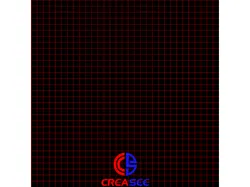
CREASEE CUSTOM BED IMAGE
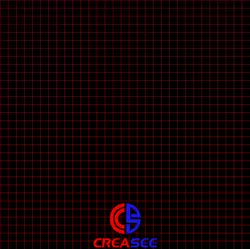
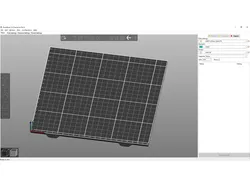
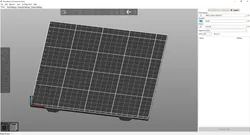
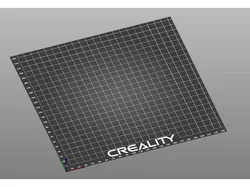
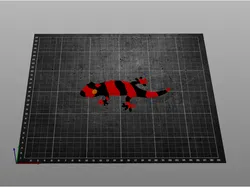
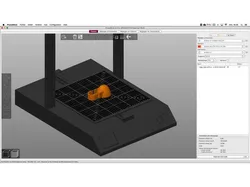
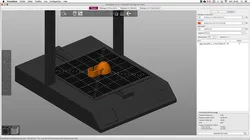
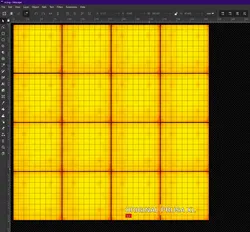
ALSO, check out Reddit, we have a new unofficial user group r/Creasee3D, with all kinds of cool stuff for the Creasee FDM printers.I just created a custom bed overlay for the Creasee printers. This can be used in both Cura and PrusaSlicer, but I am only including instructions for PrusaSlicer as that is what I mainly use.The bed image PNG file can be downloaded here;https://www.mediafire.com/folder/4vxseewitzwpf/CREASEE_BEDThen in PrusaSlicer, go to the printer settings tab, then general, then click set for bed shape. Now under Texture, click Load, and select the .png you just downloaded. Save the printer settings and go to the platter and you will now see the new bed. It has grid lines every 10mm across the x and y of the bed.Enjoy!!
Direct link to the original creator's page
Also Available On
More from n9jcv
 Thingiverse
 Thingiverse
 Thingiverse
 Thingiverse
 Thingiverse
 Thingiverse
Similar Models
 Printables
 Thingiverse
 Printables
 Thingiverse
 Thingiverse
 Thingiverse
 Printables
 Printables
Model Specifications
Frequently Asked Questions
How do I download CREASEE CUSTOM BED IMAGE?
Click the "View on Thingiverse" button above to visit the original model page on Thingiverse. You can download the STL file directly from the creator's page for free.
What 3D printer can I use for this model?
This model is compatible with most FDM 3D printers (Creality Ender 3, Prusa MK3S+, Bambu Lab, etc.) and resin printers (Elegoo, Anycubic). Check the original page for recommended print settings and materials.
Is this 3D model free to download?
Yes, this model is available as a free download on Thingiverse. Some creators accept tips or donations.
Can I modify this file?
Check the license (see original page) on the original Thingiverse page. Most STL files can be modified using free software like Blender, TinkerCAD, or Meshmixer.