 thingiverse
GCode Generator with Python
# GCode generator in Python
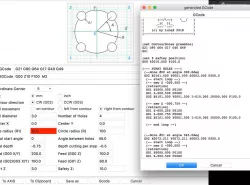
I developed an easy to use gcode generator for CNC machines. It's possible to create a couple of geometrical shapes.
Current version is running under **Python 2.7**
## comments are welcome :-)
## Changelog
***
V0.08 - 27-10-18 new: milling a rectangle pocket
V0.09 - 02-11-18 new: drilling holes in a grid
V0.10 - 11-11-18 new: smooth a rectangle surface in parallel lines
V0.11 - 12-11-18 new: smooth a round surface in a spiral
V0.12.4 - 01.12.18 bugfix release, new : ToolID, SpindleSpeed, SpindleDir(CW/CCW) available
**V0.12.5 - 27.02.19** bugfix and new improvements: material choose, spindle speed, son-material file, json-config file
***
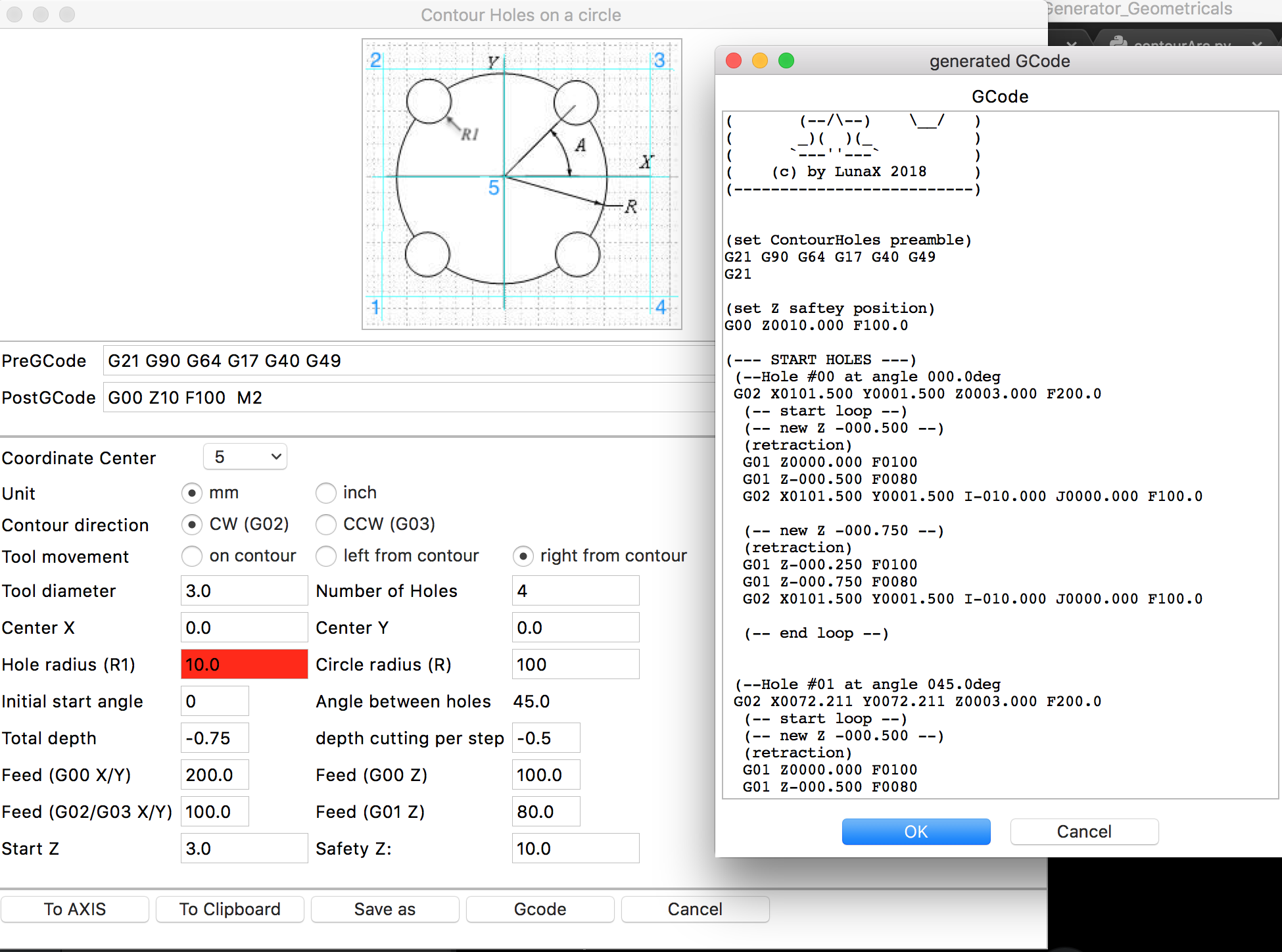
Most of below shapes can be used with cutter compensation
##Material list
* material choosing for all (most) milling stuff
* material details inside JSON-File
* Choose a material, some fields are autofilled
## Contour millings
* contour circle
* contour rectangle
* contour round rectangle
* contour holes in a circle
* contour holes in a grid
## Pocket millings
* pocket a round rectangle
* new 27.10.18 pocket a rectangle
## Drilling holes
* new 02.11.18 drilling holes in a grid
## Surface
* new 11.11.18 smooth a rectangle surface in parallel lines
* new 12.11.18 smooth a round surface in a spiral line
## Other base functionalites
* GCode preview window
* save gcode to file
* save gcode to clipboard
* save gcode to LinuxCNC AXIS software
* V0.12.4 using of toolID, spindle speed, spindle direction
* **V0.12.5** using a config-file and material configuration
## Download
Follow this link to GitHub
https://github.com/mrRobot62/GCodeGenerator_Geometricals/blob/master/README.md
## Please note
This generator is under construction. If you find bugs, please open an issue on github
##Interesting GCode simulators are
Browser based (on- and offline !)
https://ncviewer.com
Software package
https://camotics.org
#Following GCode can be calculated
## Contour milling


## Pockets


## Drillings

## Surface


Direct link to the original creator's page
More from lunax
Similar Models


Model Specifications
Frequently Asked Questions
How do I download GCode Generator with Python?
Click the "View on thingiverse" button above to visit the original model page on thingiverse. You can download the STL file directly from the creator's page for free.
What 3D printer can I use for this model?
This STL file is compatible with most FDM 3D printers (Creality Ender 3, Prusa MK3S+, Bambu Lab, etc.) and resin printers (Elegoo, Anycubic). Check the original page for recommended print settings and materials.
Is this 3D model free to download?
Yes, this model is available as a free download on thingiverse. Some creators accept tips or donations.
Can I modify this STL file?
Most STL files can be modified using free software like Blender, TinkerCAD, or Meshmixer. Check the license on the original thingiverse page to see if modifications are permitted by the creator.