 thingiverse
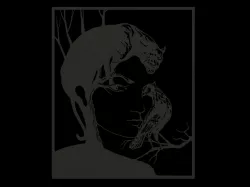
Illusion face
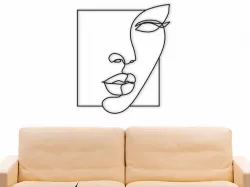
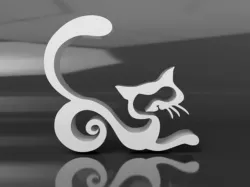
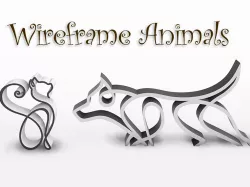
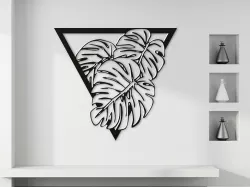
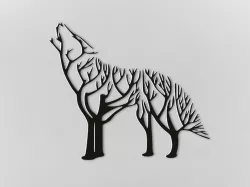
These files are designed for the most part for laser cutting. But if you are not confused by the small size, you can also print them on a 3D printer. To increase the size, you can cut these models into pieces, print them separately and then connect them with glue. Download the files you need one at a time by clicking the "Upload" button each time. If you want to download all the files in one click, click here. STL files are ready for printing on a 3D printer with a maximum print area size of 210x200. If your table size is larger, you can easily scale it to fit your size. To make a large-sized version of metal, wood or plastic, as in the picture, you will need the help of a laser cutter. To do this, I added dfx and svg files. Wall mounting can be done using wall_mounting. It must be printed additionally and glued with glue to the main decor. Then fix it on the wall with nails or screws or use double-sided tape. To achieve the wow effect, you need to place an LED strip on the back of the decor.
My some other things:
Direct link to the original creator's page
Also Available On
More from mishkin2


Similar Models

Model Specifications
Frequently Asked Questions
How do I download Illusion face?
Click the "View on thingiverse" button above to visit the original model page on thingiverse. You can download the STL file directly from the creator's page for free.
What 3D printer can I use for this model?
This STL file is compatible with most FDM 3D printers (Creality Ender 3, Prusa MK3S+, Bambu Lab, etc.) and resin printers (Elegoo, Anycubic). Check the original page for recommended print settings and materials.
Is this 3D model free to download?
Yes, this model is available as a free download on thingiverse. Some creators accept tips or donations.
Can I modify this STL file?
Most STL files can be modified using free software like Blender, TinkerCAD, or Meshmixer. Check the license on the original thingiverse page to see if modifications are permitted by the creator.