 cults3d
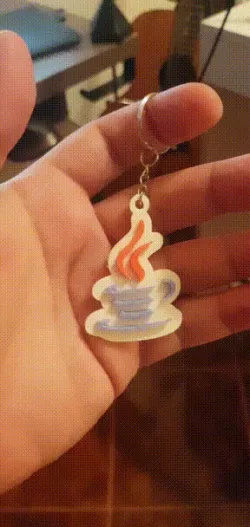
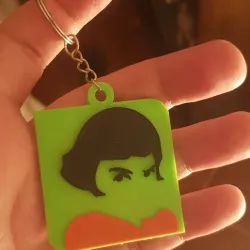
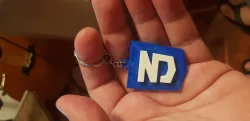
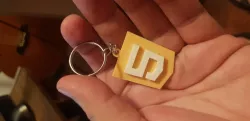
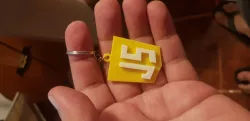
Java Keychain
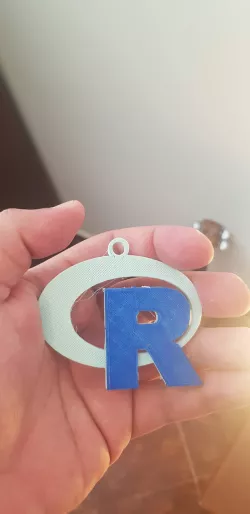
The full design can be printed in three colors – I have the gcode ready for people with an Ender 3.
If you have a different printer, you need to create three separate gcode files for every color – and print the red and blue sections in 'mid-air', such that they land on top of the white base.
Alternatively, you can print the base and logo separately and glue them together. It is harder because there are a lot of separate pieces, but doable if you can't figure out the multi color stuff.
Link to buy metal keyring: https://tidd.ly/3fNBiU2
Direct link to the original creator's page
Also Available On
More from zimbiski

Similar Models
 cults3d
 cults3d
 cults3d
 cults3d
 cults3d
 cults3d
 cults3d
 cults3d
Model Specifications
Frequently Asked Questions
How do I download Java Keychain?
Click the "View on cults3d" button above to visit the original model page on cults3d. You can download the STL file directly from the creator's page for free.
What 3D printer can I use for this model?
This STL file is compatible with most FDM 3D printers (Creality Ender 3, Prusa MK3S+, Bambu Lab, etc.) and resin printers (Elegoo, Anycubic). Check the original page for recommended print settings and materials.
Is this 3D model free to download?
Yes, this model is available as a free download on cults3d. Some creators accept tips or donations.
Can I modify this STL file?
Most STL files can be modified using free software like Blender, TinkerCAD, or Meshmixer. Check the license on the original cults3d page to see if modifications are permitted by the creator.