 thingiverse
LED Diffuser
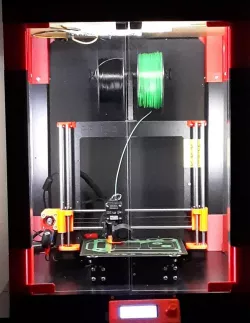
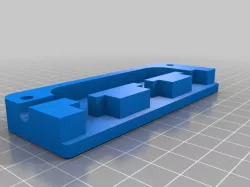
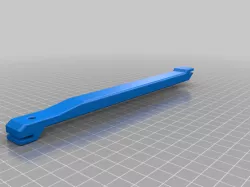
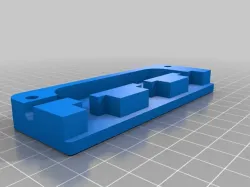
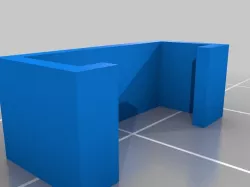
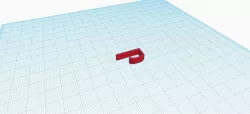
An LED Diffuser designed to put the LED strip on a 45 degree angle and direct as much light toward the printer when used inside the IKEA Lack cabinet. The Prusa i3 MK3 is a 24v printer, so the LED strip used is 24v, but if you have a different voltage printer then you should use the proper LED strip.
I printed this in white PETG and am very happy with the outcome. I imagine you could print it in other colors for different effects.
Item used in this specific build:
* Screws : https://www.amazon.com/gp/product/B01MFAIS08
* LED Strip: https://www.amazon.com/gp/product/B00X5MDUD4
Note: I purchased the "Cool White" because I like a white light, but as of this posting they don't have that version available anymore.
Items shown in Images:
* Screw Terminals : https://www.amazon.com/gp/product/B07CLY5N9T
* Insulated Crimp Terminals : https://www.amazon.com/gp/product/B019MPRZB0
* 14 gauge Wire : https://www.amazon.com/gp/product/B06Y4ZXY2Z
Feel free to edit this build however you see fit.
Direct link to the original creator's page
Also Available On
More from mikebald

Similar Models

Model Specifications
Frequently Asked Questions
How do I download LED Diffuser?
Click the "View on thingiverse" button above to visit the original model page on thingiverse. You can download the STL file directly from the creator's page for free.
What 3D printer can I use for this model?
This STL file is compatible with most FDM 3D printers (Creality Ender 3, Prusa MK3S+, Bambu Lab, etc.) and resin printers (Elegoo, Anycubic). Check the original page for recommended print settings and materials.
Is this 3D model free to download?
Yes, this model is available as a free download on thingiverse. Some creators accept tips or donations.
Can I modify this STL file?
Most STL files can be modified using free software like Blender, TinkerCAD, or Meshmixer. Check the license on the original thingiverse page to see if modifications are permitted by the creator.