 thingiverse
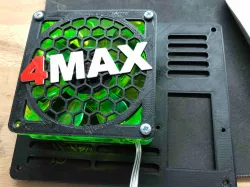
Max patch
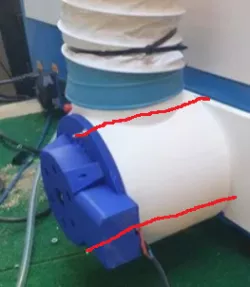
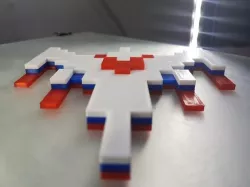
this i made for multi color print.i used this video where it is explained to pause the printer for filament change
https://www.youtube.com/watch?v=yFzlJB0XbNE
this is the GCODE:
;Filament change code below. Specify layer to swap filament. Print will pause and you can change filament, click LCD button to resume print.
;{REPLACE "; layer" "M117 Layer"}; show layer number and Z height on LCD
;{REPLACE " Z = " " Z="}; make room on LCD for text
;{REPLACE "\nM117 Layer 51, Z=" "\nG1 X10 Y5\nM300 S1000 P1000\nM0\nM117 Layer 51, Z="}; pause at layer, move head, play sound
Direct link to the original creator's page
More from fonz4u2
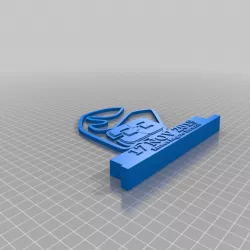
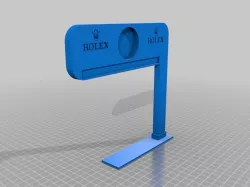
Similar Models


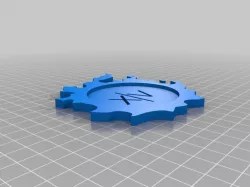

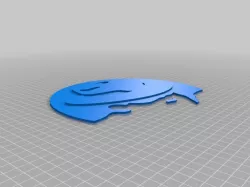
Model Specifications
Frequently Asked Questions
How do I download Max patch?
Click the "View on thingiverse" button above to visit the original model page on thingiverse. You can download the STL file directly from the creator's page for free.
What 3D printer can I use for this model?
This STL file is compatible with most FDM 3D printers (Creality Ender 3, Prusa MK3S+, Bambu Lab, etc.) and resin printers (Elegoo, Anycubic). Check the original page for recommended print settings and materials.
Is this 3D model free to download?
Yes, this model is available as a free download on thingiverse. Some creators accept tips or donations.
Can I modify this STL file?
Most STL files can be modified using free software like Blender, TinkerCAD, or Meshmixer. Check the license on the original thingiverse page to see if modifications are permitted by the creator.