 thingiverse
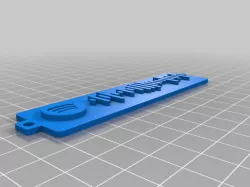
Spotify Code generator
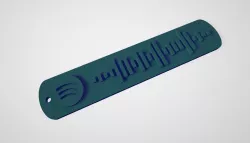
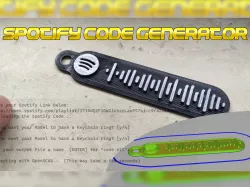
This tool will help you to generate a 3d model of a Spotify Code.
Required software:
-Inkscape https://inkscape.org/
-OpenSCAD https://www.openscad.org/
Step by step guide:
1. Get the URI code from an album, playlist or song in Spotify, E.g.: spotify:track:4uLU6hMCjMI75M1A2tKUQC
2. Go to this site https://www.spotifycodes.com/ and enter the URI.
3. Get the Spotify code in SVG format.
4. Open the SVG file with Inkscape and delete the background. Save the file.
5. Copy spotifyCode.scad and the SVG file in the same directory.
6. Open spotifyCode.scad with OpenSCAD.
7. In the Customizer enter the name of SVG file.
8. Adjust the thickness of the plate and code. If you want to use as a keychain, select "Yes".
9. Render and export as STL.
10. Print!
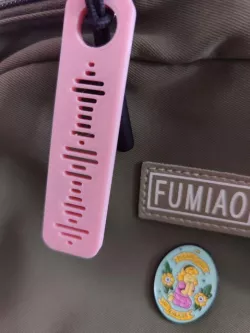
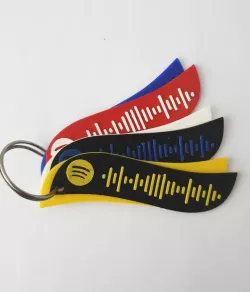
You can print it in one color and later paint the code or use two different colors changing the material (for this add a pause in the GCode).
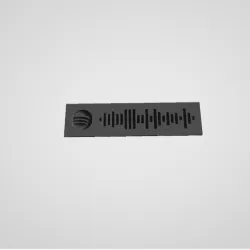
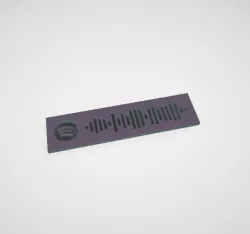
There are two examples of codes :-)
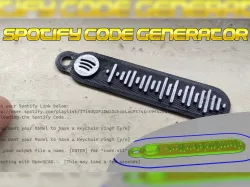
For a better explanation, watch the video.
Direct link to the original creator's page
Also Available On
More from ailr16


Similar Models

Model Specifications
Frequently Asked Questions
How do I download Spotify Code generator?
Click the "View on thingiverse" button above to visit the original model page on thingiverse. You can download the STL file directly from the creator's page for free.
What 3D printer can I use for this model?
This STL file is compatible with most FDM 3D printers (Creality Ender 3, Prusa MK3S+, Bambu Lab, etc.) and resin printers (Elegoo, Anycubic). Check the original page for recommended print settings and materials.
Is this 3D model free to download?
Yes, this model is available as a free download on thingiverse. Some creators accept tips or donations.
Can I modify this STL file?
Most STL files can be modified using free software like Blender, TinkerCAD, or Meshmixer. Check the license on the original thingiverse page to see if modifications are permitted by the creator.